Rachel Heyes: Digital Accessibility for Professional Services (PS) Colleagues
As PS colleagues, we create and share a wide range of digital content such as emails, documents, forms, presentations, webpages, images, and event information. This content shapes our communication and how people access our resources.
Digital accessibility isn’t an add-on; it’s integral to our work.
Learning together
In March 2026, I had the pleasure of co‑leading a Digital Accessibility for Professional Services Staff Lunch and Learn session as part of the FBMH PS Development Network.
We were conscious of being honest in the framing of our roles for this session. We’re not accessibility experts. We are experienced practitioners: people who apply accessible practices in our day‑to‑day roles, teach others how to do the same, and continue to learn. Often from our amazing colleagues (more on them below).
While standards like WCAG, PSBAR, and the Equality Act 2010 are incredibly important, true accessibility involves our culture, habits, and intentions. Making choices in our work to prevent exclusion by design.
Inclusion by design
Whilst accessibility is often framed around compliance. Inclusion goes further. Universal Design encourages us to design systems and content that work for as many people as possible, by default. Accessible by design. This framing fits with the University’s Manchester 2035 strategy: equity of access, participation and belonging in a digitally enabled university.
The social model of disability reframes disability not as a deficit within an individual, but as a mismatch between people and the systems they may use. This perspective helps us to understand that barriers are created by choices and can be removed by choices. Intention and actions can turn accessibility into inclusion.
Practical, everyday changes
The core of the session focused on practical examples: things colleagues can do immediately, without specialist tools or extra time. Tips include:
- Using highly contrasting colours so information isn’t lost.
- Adding alternative text that explains the purpose of an image, not just what it looks like.
- Using heading styles, checking reading order, and the use of tables in Word and PowerPoint, so content can be navigated properly.
- Avoid images of text and embed images properly to aid reading.
- Writing emails in Plain English and using meaningful subject lines to aid comprehension.
- Creating descriptive links which avoid using ‘click here’ or long reference links to support the use of screen readers.
- Using sans-serif fonts and avoiding italics for emphasis to aid legibility and reading speed.
- Using accessibility checkers and built‑in tools
These actions aren’t meant to be revolutionary. That’s what makes them effective.
Making it ‘business as usual’
To embed accessibility into daily practice, take this process one step at a time. One habit at a time. Just as checking attachments or addressees before sending an email eventually became automatic, accessibility checks can become habitual.
Culture change is slow, and it can’t be forced. To encourage colleagues who may be less open to engaging with accessibility, share what you’re doing, focus on people who are curious and receptive, and shine a light on good practice when you see it. Nominations, recognition and storytelling can all help shift behaviours.
Engagement and feedback
What really stood out from this session was the response from colleagues. People were engaged, thoughtful, and generous with their questions and feedback. Interest came from well beyond FBMH, with colleagues from different PS areas reaching out for guidance, training and collaboration. There was strong demand for more events of this type, including interest in offering similar sessions to academic colleagues.
Feedback was overwhelmingly positive, with all respondents rating it 10/10 and describing it as valuable, excellent and informative. Attendees particularly appreciated the practical, actionable advice on improving accessibility, the clear and engaging delivery, and concrete examples that supported understanding and application.
Since the session, I’ve had conversations with colleagues from academic development, central training teams, and teaching and learning leads about how this work could be built into wider programmes. That tells me there’s an appetite not just to learn about accessibility, but to own it through individual action.
Permission to act
The FBMH PS Development Network has created an open‑access live document with links, tools and resources from the session (alongside the recording), and I’d genuinely encourage you to add to it.
If you take one thing away from this reflection, let it be this: you don’t need permission to make your work more accessible. Every small change reduces barriers for someone. When those changes add up, they reshape how inclusive our working culture really is.
The future is accessible️. 💜
And it’s something we all have a role in building.
By Rachel Heyes If you have questions, ideas, or want to share good practice with me (specifically related to accessibility and inclusion within FBMH or eLearning), please get in touch.
The session was based on the University’s Accessibility in Blended Learning course.
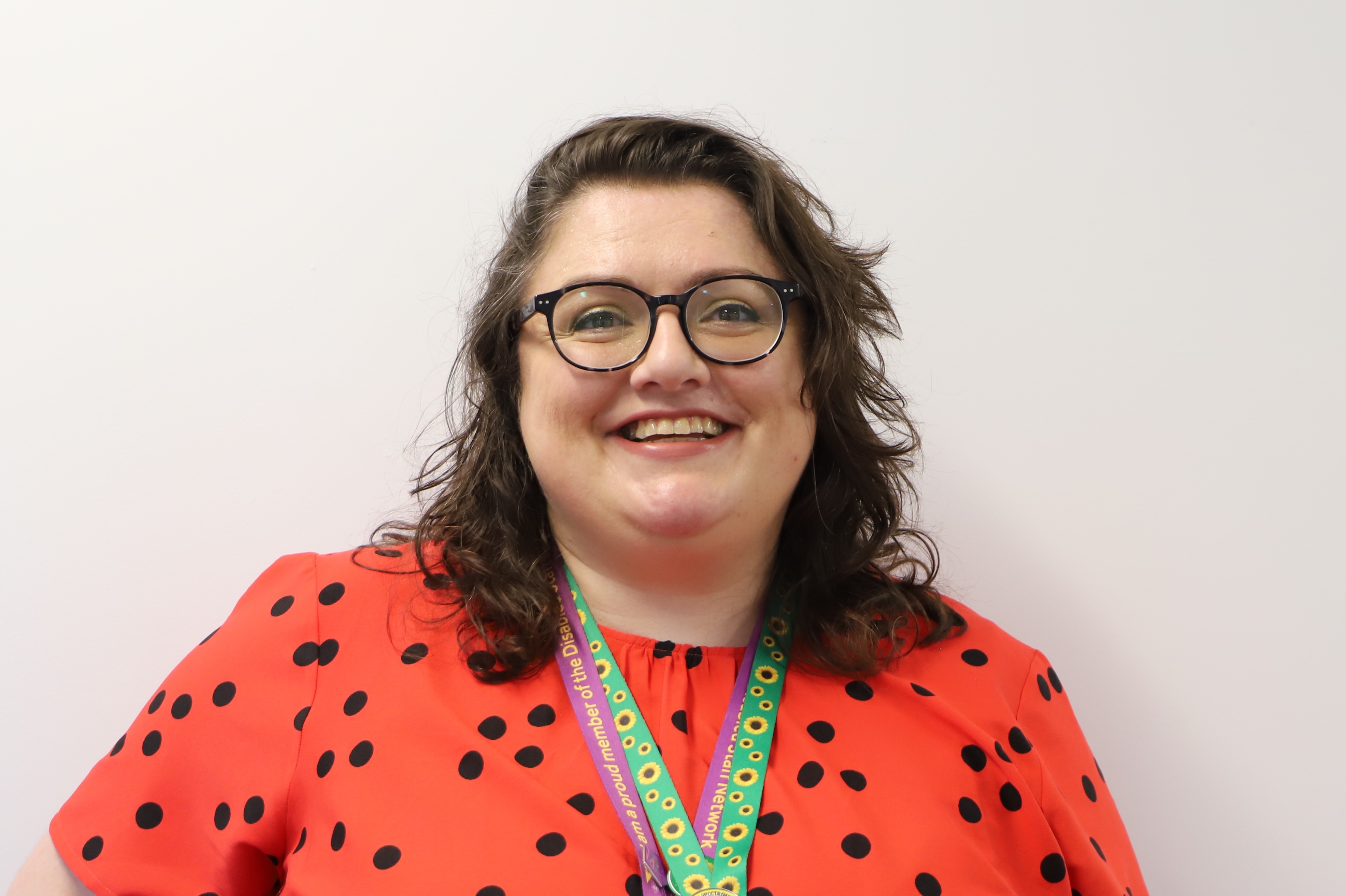
Rachel Heyes, Learning Technologist, University of Manchester, is a leading professional in the field of disability, inclusion, digital technologies, and education.
Rachel Pearce, Learning Technologist, Liverpool John Moores University, is a leading professional in the field of digital technologies.
Appendix – Want to learn more?
- FBMH eLearning website – Quick Checks (Accessibility) – FBMH eLearning University of Manchester – leading professionals in the field of digital inclusion. (external)
- Accessibility for Web editors (Canvas Course) – From the Directorate of Communications, Marketing and Student Recruitment, University of Manchester. This course will teach you how to ensure that the content you create for the web will be accessible to all. (internal to UoM colleagues)
- Digital Inclusion (Staffnet pages). – John Walker, User Experience Designer, University of Manchester, is a leading professional in the field of digital inclusion. (external)
- SMS EDI Belonging Project – Disability. Inclusive Email template. (internal to UoM colleagues)
- EDI – Inclusive Events and Meetings – Kathy Bradley, EDI Partner, Lead for Disability, University of Manchester, is a leading professional in the field of disability and inclusion. (external)
- Disability@Manchester – Microsoft Teams space – Hamied Haroon, Academic Lead for Disability, University of Manchester, is a leading professional in the field of disability and inclusion. (external)
- NADSN’s RIDE Higher – This is a free, open resource hub for disabled colleagues in Higher Education and for everyone who wants to champion disability inclusion. (external)
- Scope – Accessibility guidelines – useful guidelines from a charity which exists to create a fair and equal society for disabled people. (external)
- Abilitynet – UK charity, providing specialist services and impartial support to create a digital world accessible to all. (external)
- Axe-con – Learn how to build accessible digital experiences at axe-con, the only accessibility conference dedicated to design, development, compliance, and strategy. (external)
Contact Us
+44 (0) 161 306 6000


0 Comments